

To translate your WhatsApp chat for IRCC Canada, export the conversation as a text file directly
from the app, then have a certified translator convert it into English or French. IRCC does not accept
Google Translate or self-translated documents. The translation must come from a professional with
recognized certification, accompanied by a signed declaration of accuracy.
Step 1: Export Your WhatsApp Chat
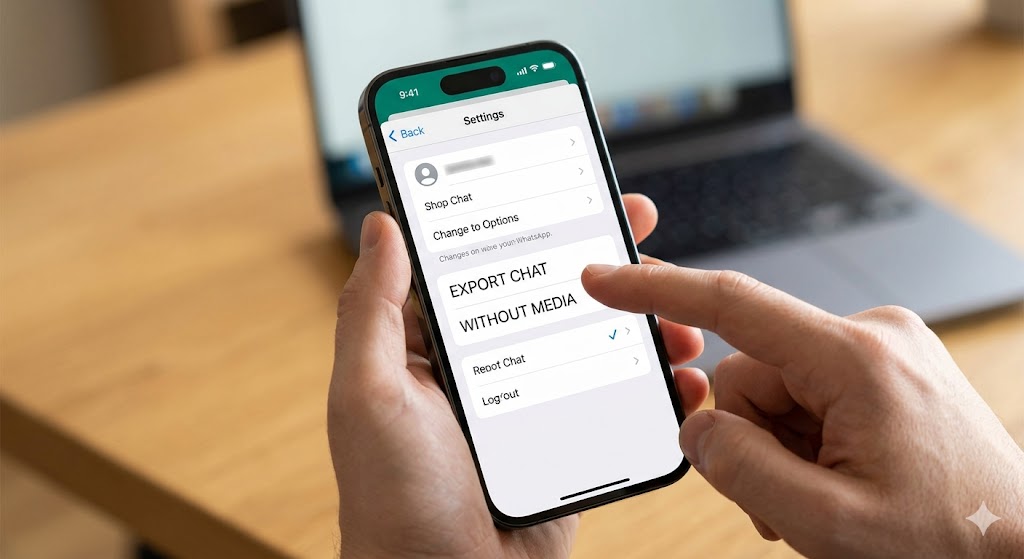
WhatsApp has a built-in export function. Use it to produce the original text record that goes alongside
your certified translation.
On iPhone:
1. Open the conversation in WhatsApp
2. Tap the contact or group name at the top
3. Scroll down and tap Export Chat
4. Choose Without Media (unless images are part of your evidence)
5. Save or email yourself the .txt file
On Android:
1. Open the conversation in WhatsApp
2. Tap the three dots in the top right corner
3. Select More, then Export Chat
4. Choose Without Media
5. Save or share the .txt file to yourself
Keep this exported file. You will submit it alongside the certified translation so IRCC can verify the
translation is accurate.
Does This Apply to Other Messaging Apps?
Yes. The same certified translation requirement applies to any messaging platform: iMessage, Facebook Messenger, WeChat, Telegram, Viber, or any other app. The process is the same: export the conversation as a text file or screenshot series, then have a certified translator produce an English or French translation with a signed declaration of accuracy. Each platform has its own export method, but the IRCC translation standard does not change based on which app the conversation came from.
Step 2: Get a Certified Translation for IRCC
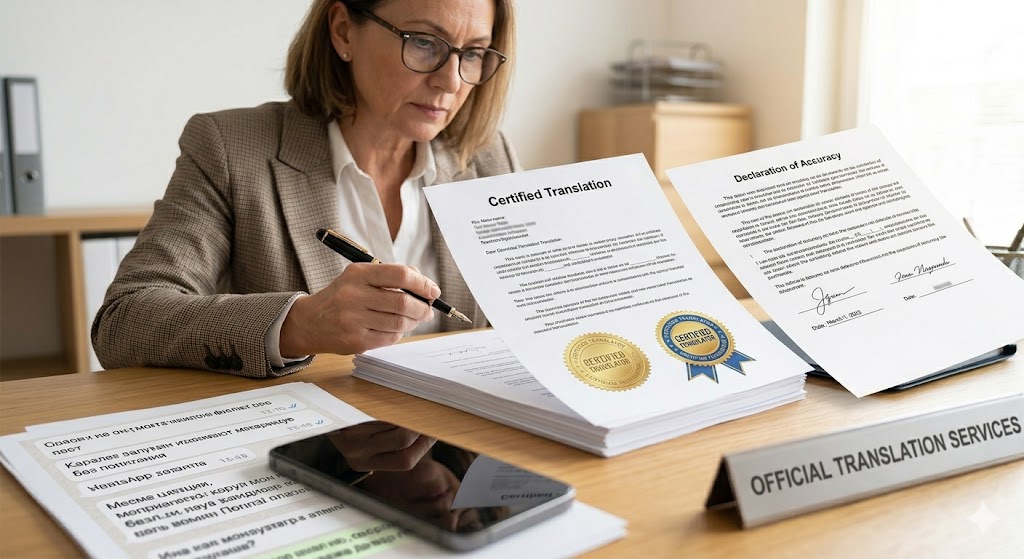
A certified translation is one produced by a translator who is a member of a recognized professional
association and who signs a declaration confirming the translation is complete and accurate.
In Canada, certified translators are members of provincial associations such as the Society of
Translators and Interpreters of BC or the Association of Translators, Terminologists and Interpreters
of Quebec. Translators outside Canada must be recognized by an equivalent body in their country.
What the certified translation package must include:
1. The full translated text of the WhatsApp conversation
2. The translator's name, contact information, and certification number
3. A signed and dated declaration that the translation is a true and accurate rendering of the original
4. The original exported chat file attached or referenced
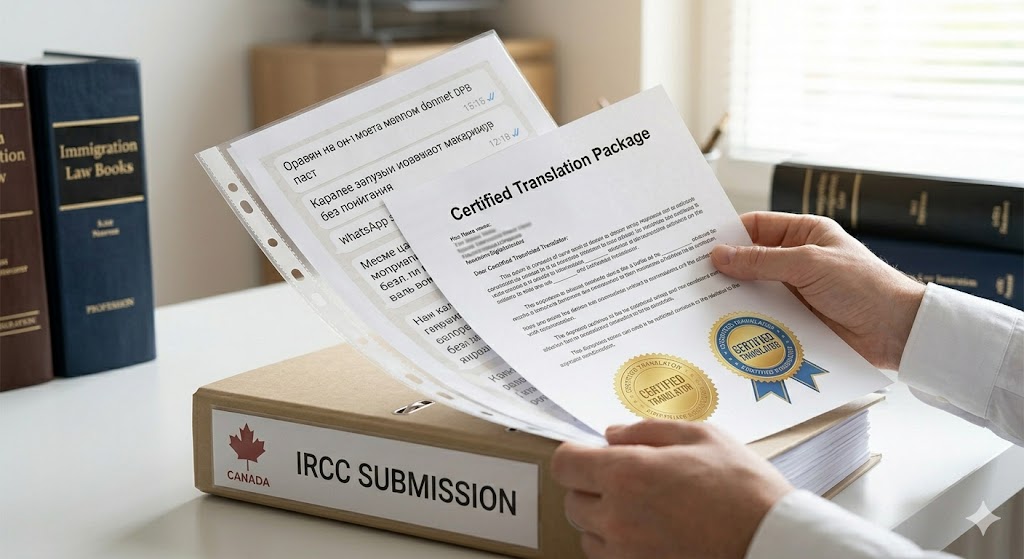
Submit both the original export and the certified translation together in your IRCC application
package.
To find a certified translator in Canada, search the member directory of your provincial association. In British Columbia, use the Society of Translators and Interpreters of BC (STIBC). In Ontario, use the Association of Translators and Interpreters of Ontario (ATIO). In Quebec, use OTTIAQ. Search by language pair to find translators who work in your specific language.
Why IRCC Requires Certified Translation, Not Google Translate
IRCC's document translation requirements exist because officers need to verify that translated
content has not been altered, omitted, or summarized. A certified translator is accountable for their
work and can be identified if questions arise. Google Translate and bilingual friends cannot be held
accountable, and IRCC will not accept those submissions.
This matters most for applications where personal communication is used as evidence, such as
spousal or common-law sponsorship, where WhatsApp conversations often serve as proof of a
genuine relationship. Submitting an uncertified translation in these cases can result in a request for
additional documents or, in serious cases, a refusal.
Frequently Asked Questions About Translating WhatsApp Chats for IRCC Canada
Can I translate my WhatsApp chat for IRCC for free?
The export step costs nothing: WhatsApp's built-in export function is free. The certified translation, however, involves a professional fee. Translation rates in Canada typically range from $0.15 to $0.30 per word depending on the language pair and translator. There is no free alternative that IRCC will accept for official submissions. Budget for professional translation as part of your application costs.
Does IRCC accept Google Translate for WhatsApp messages?
No. Google Translate is a machine translation tool with no accountability mechanism. IRCC requires that translations of documents not in English or French be produced by a certified translator who signs a declaration of accuracy. A Google Translate output does not meet this standard and will not be accepted.
Does every message in the chat need to be translated?
Not necessarily, but be guided by your specific application type and the instructions from your IRCC officer. For spousal sponsorship, it is common practice to translate the full conversation or a clearly defined date range rather than selected excerpts. Cherry-picked excerpts can raise questions about what was omitted. When in doubt, translate more rather than less.
What if my WhatsApp chat is very long?
Long chat logs are common in relationship evidence packages. You can work with your certified translator to establish a scope: for example, a specific time period that demonstrates the development of the relationship. Organize the submission by date range and include a brief cover note explaining the scope. Your RCIC can advise on the appropriate scope for your application.
Can I use a bilingual friend or family member to translate?
No. IRCC requires that translations be produced by a certified professional, not someone who simply speaks both languages. A bilingual friend or family member has no recognized certification and cannot sign a declaration of accuracy that IRCC will accept.
This article is for general information only. It is not legal advice. Program criteria, requirements, processing
times, and selection approaches can change without notice. Always confirm details on official government
websites or consult a licensed Regulated Canadian Immigration Consultant (RCIC) for advice specific to your
situation.